CM Launcher FAQs
I’m not my regular account?!
If you missed this prompt during sign up, and pressed “Start Now”:
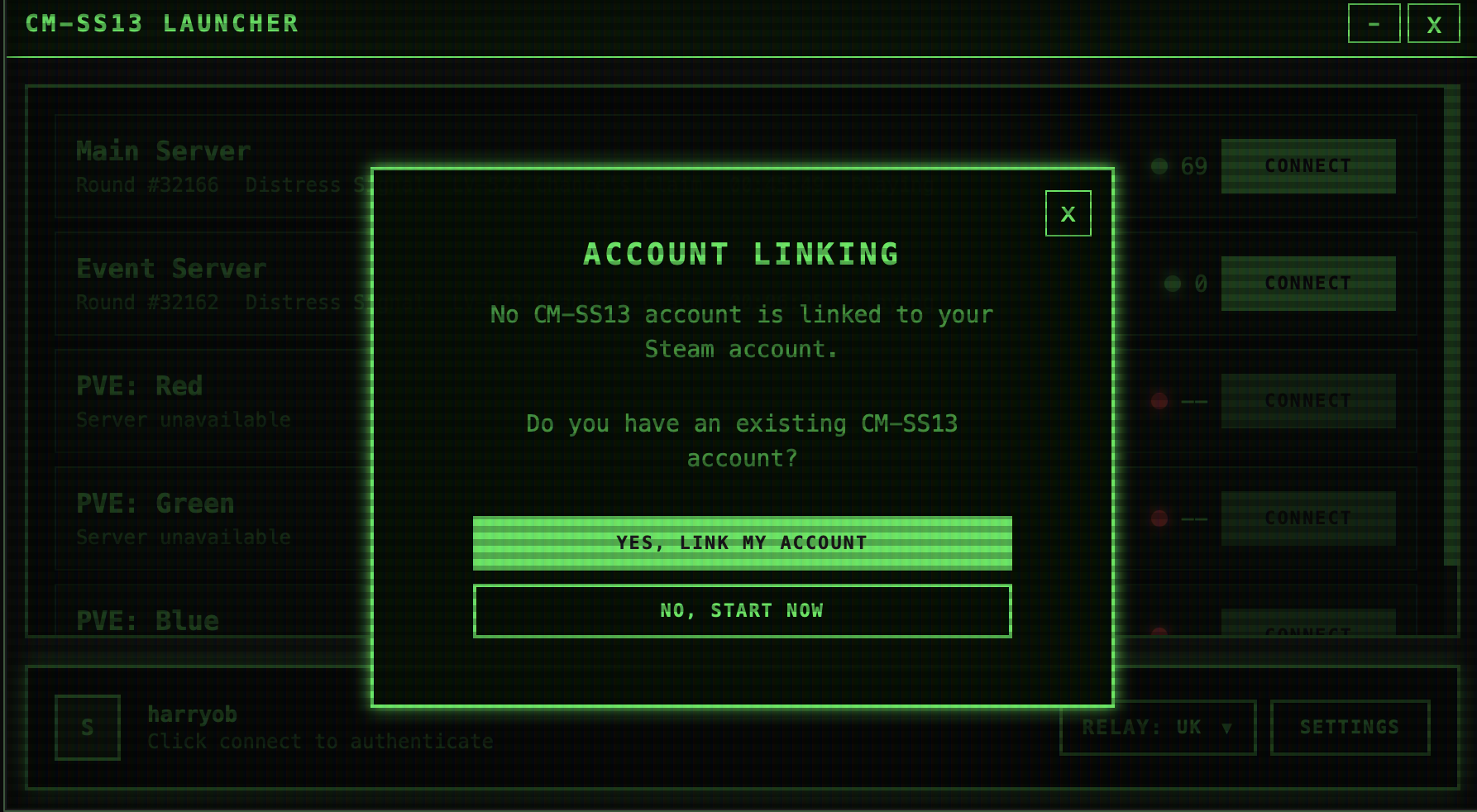
A new account will have been registered for you on the CM Authentication system. You can manage this account by logging on to the CM Authentication system and signing in with Steam.
If you have an account already: I don’t have a have a CM Authentication Account
If you have an account already, see: I already have a CM Authentication Account
I don’t have a CM Authentication account
-
Log into the CM Authentication system using Steam
-
Link your CKEY in the prompt that appears.
-
The next time you sign into the game, you will have your regular account available.
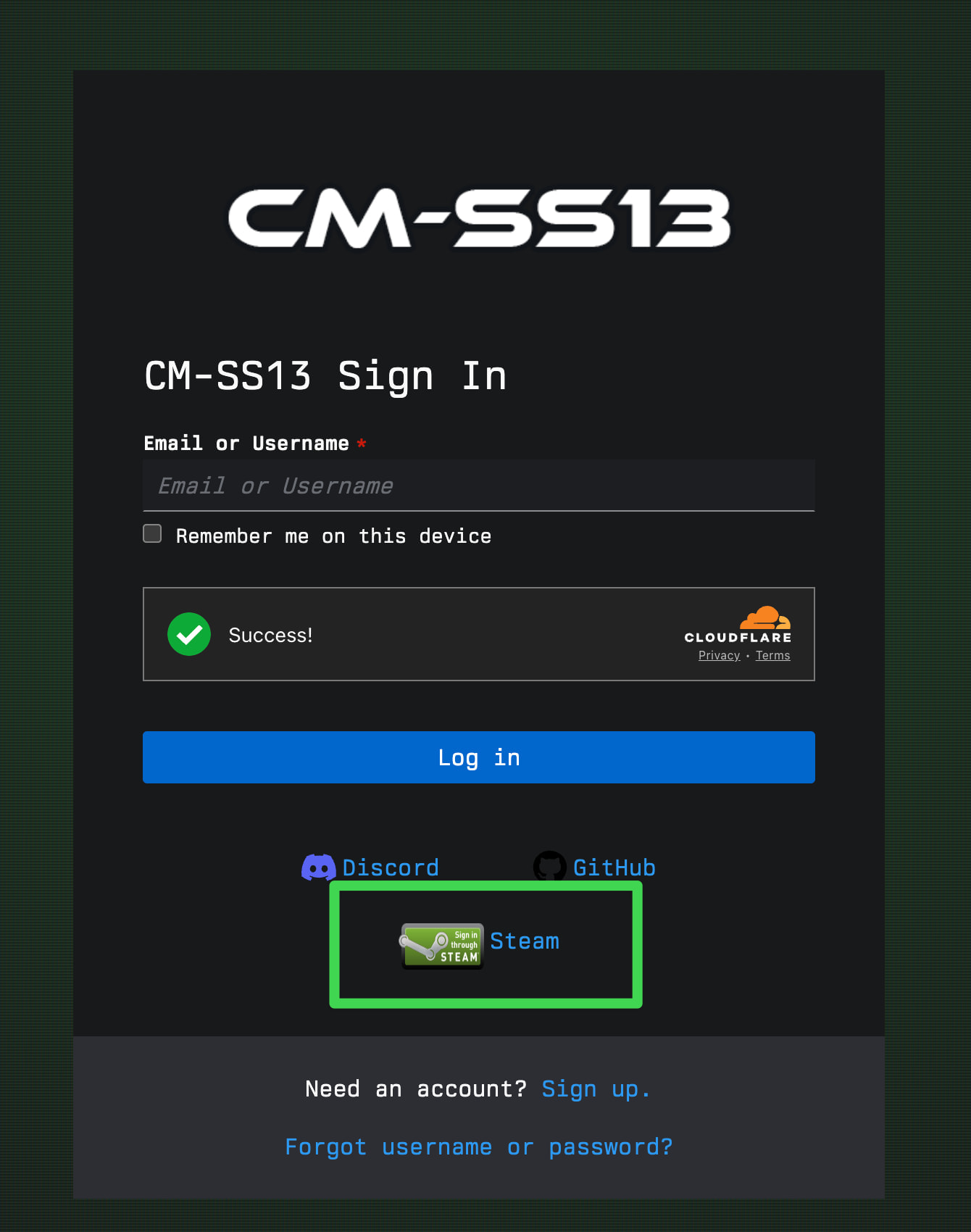
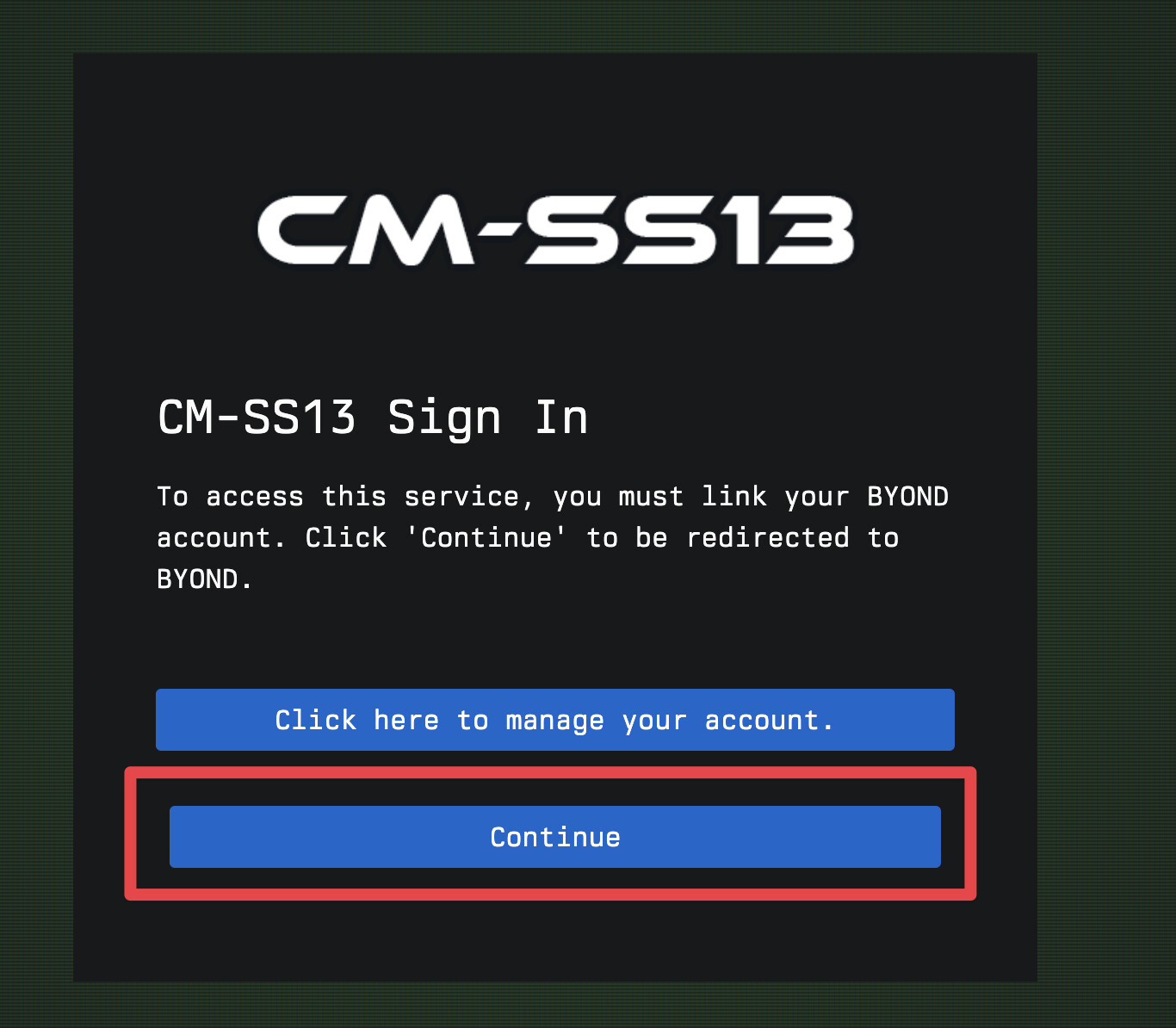
I already have a CM Authentication account
This is otherwise known as a forum account - or if you’re logged in here!
-
Log into the CM Authentication system using Steam
-
When you are prompted to link your CKEY, press Manage my Account.
-
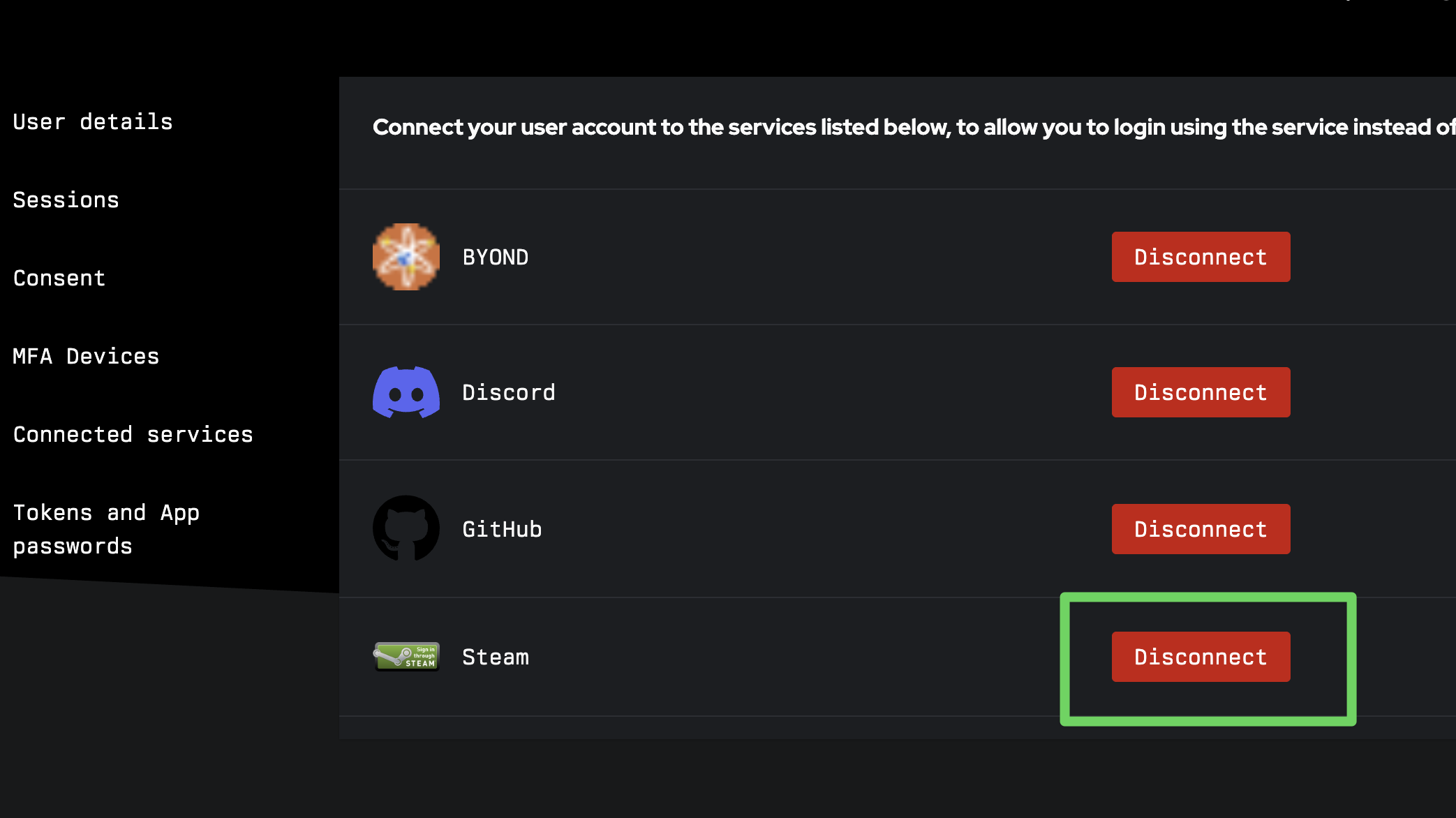
Navigate to Connected services, and press Disconnect next to Steam.
-
Log out of this CM Authentication account, and log back in to your existing account.
-
Link your real account to Steam using the linking process:
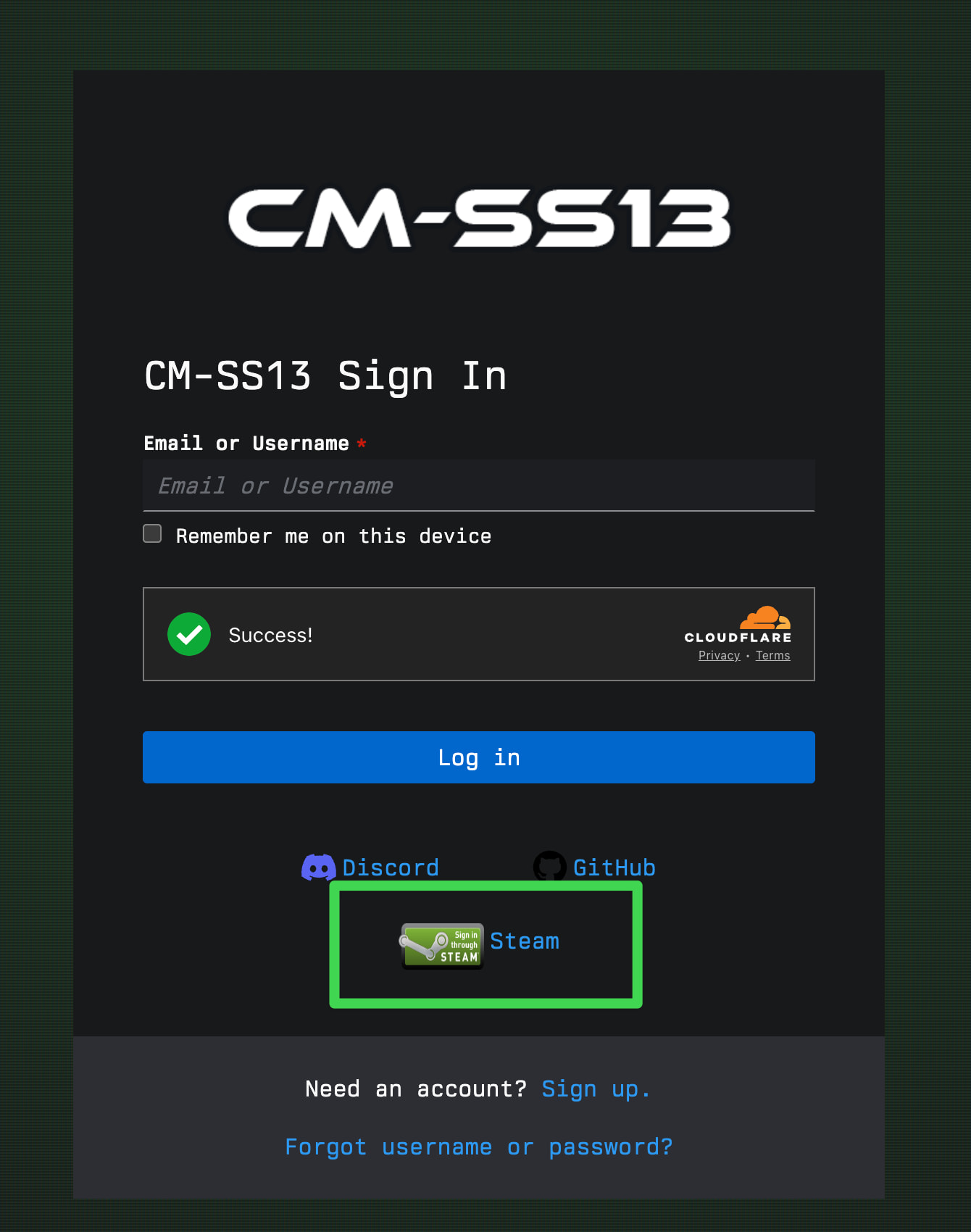
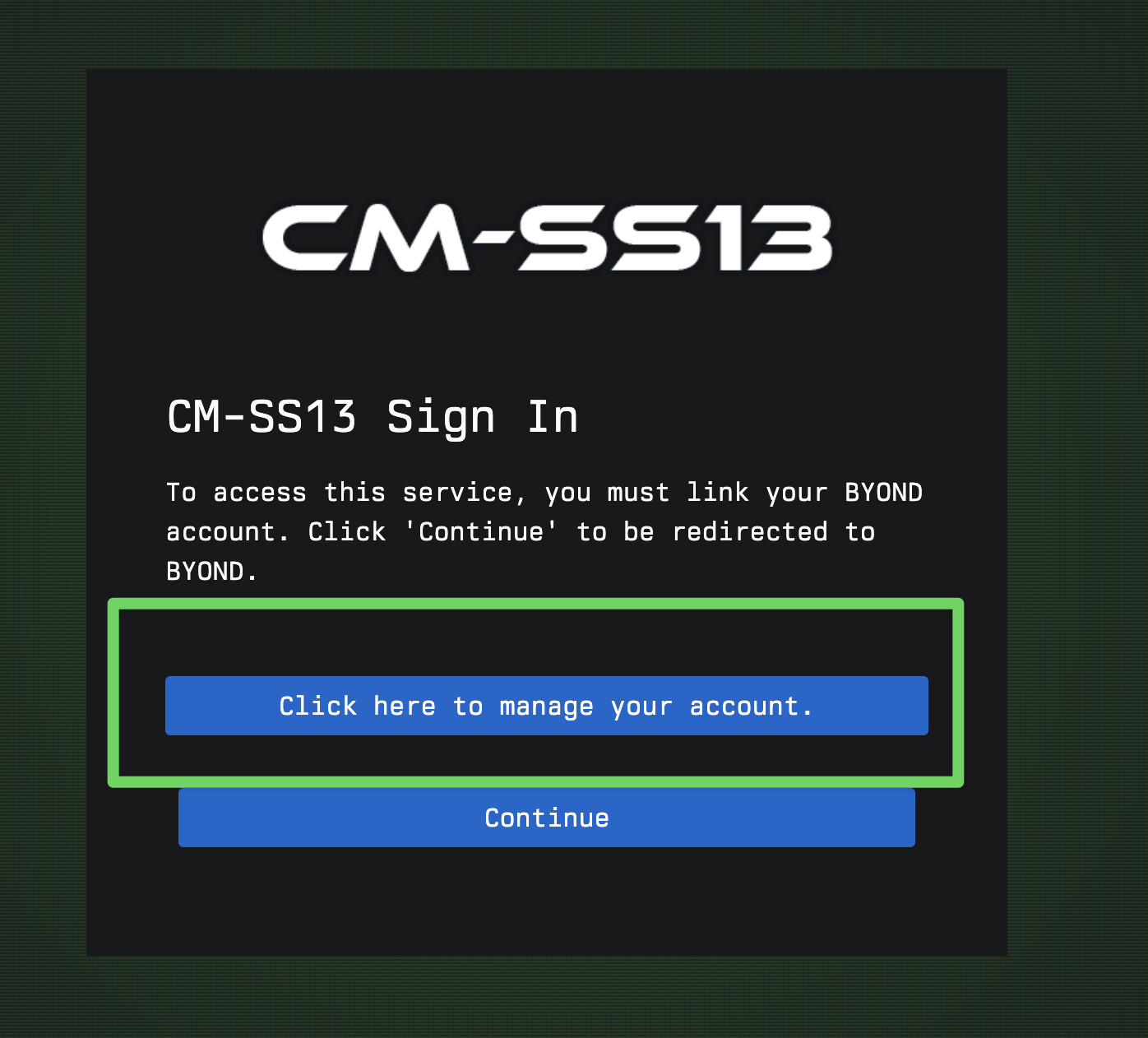
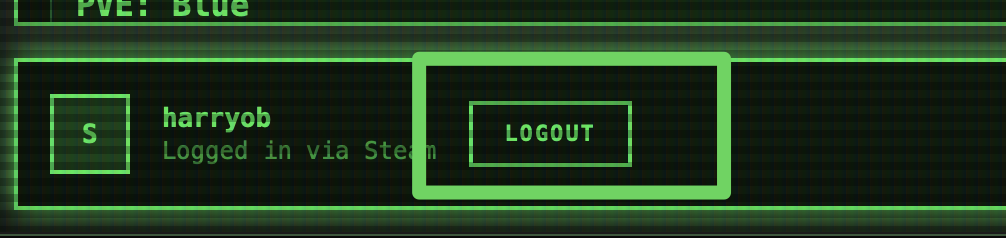
- Log out of the launcher. The next time you connect, you will launch into your existing account.
Alternative: Use CM-SS13 Authentication directly in the launcher
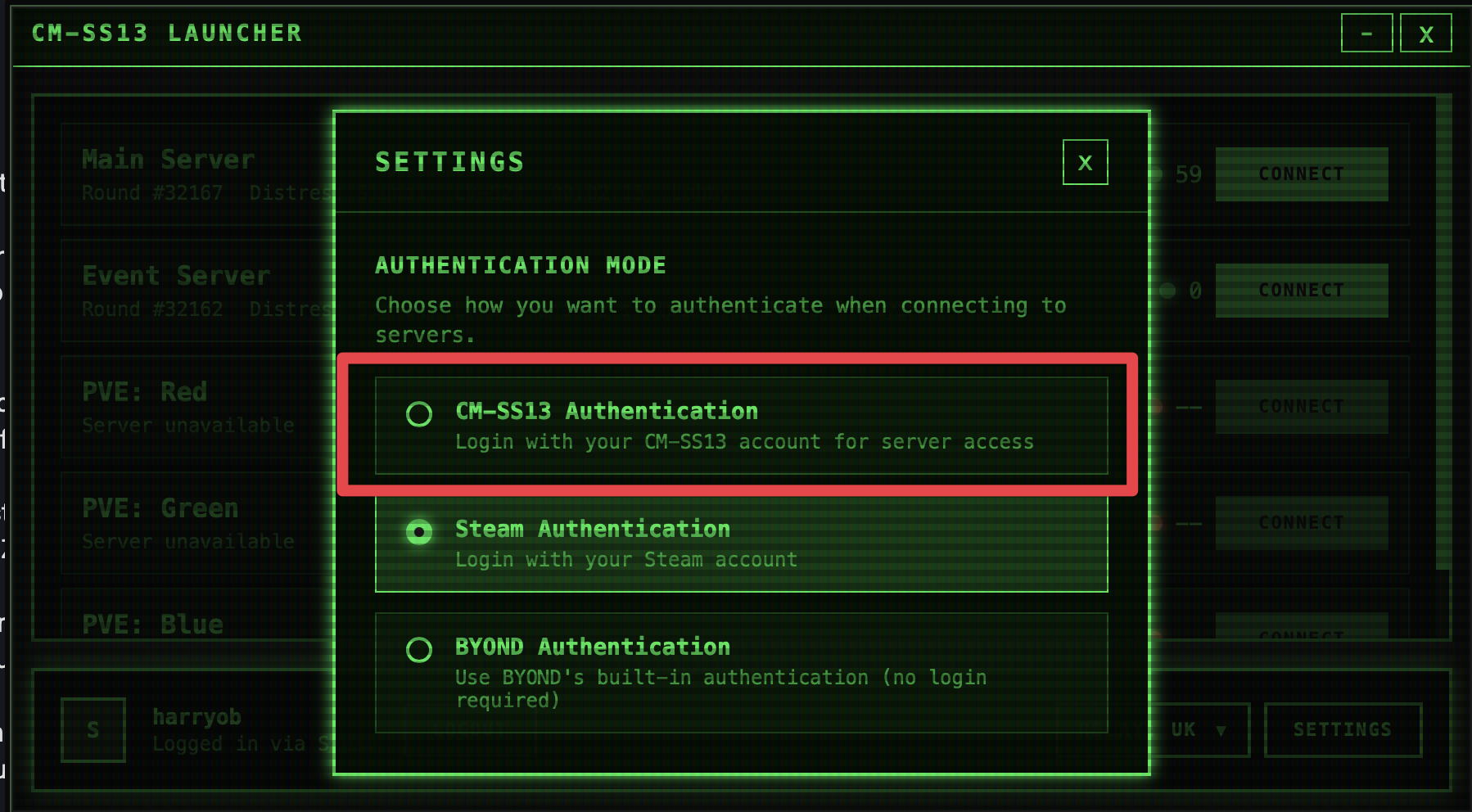
If you have a pre-existing CM-SS13 Authentication account, you can use that directly instead. Simply switch from Steam authentication to CM-SS13 Authentication.
-
Open the settings menu, and select CM-SS13 Authentication. Then, press Log In.
-
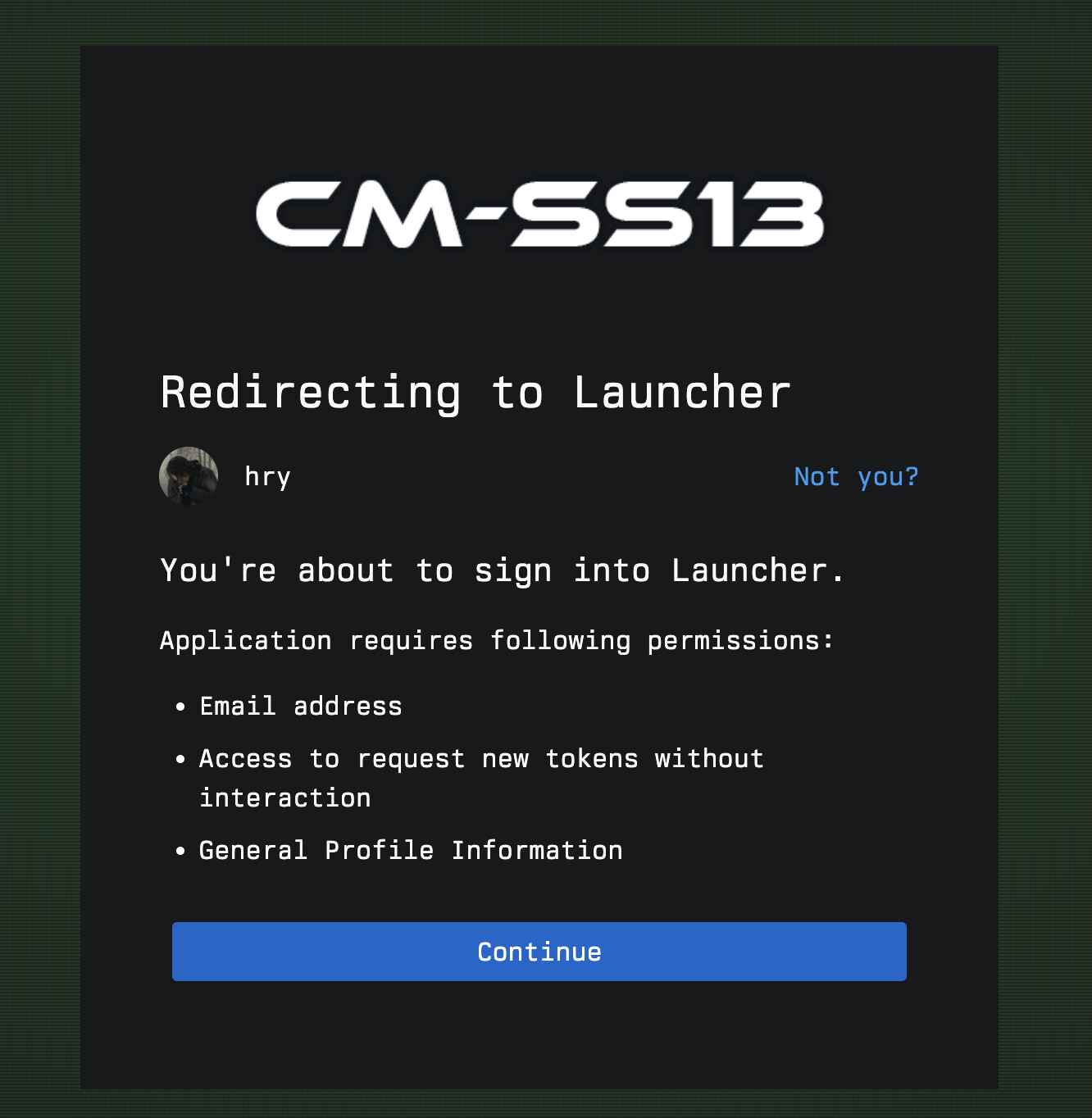
Authorise the launcher to access your CM-SS13 account.
-
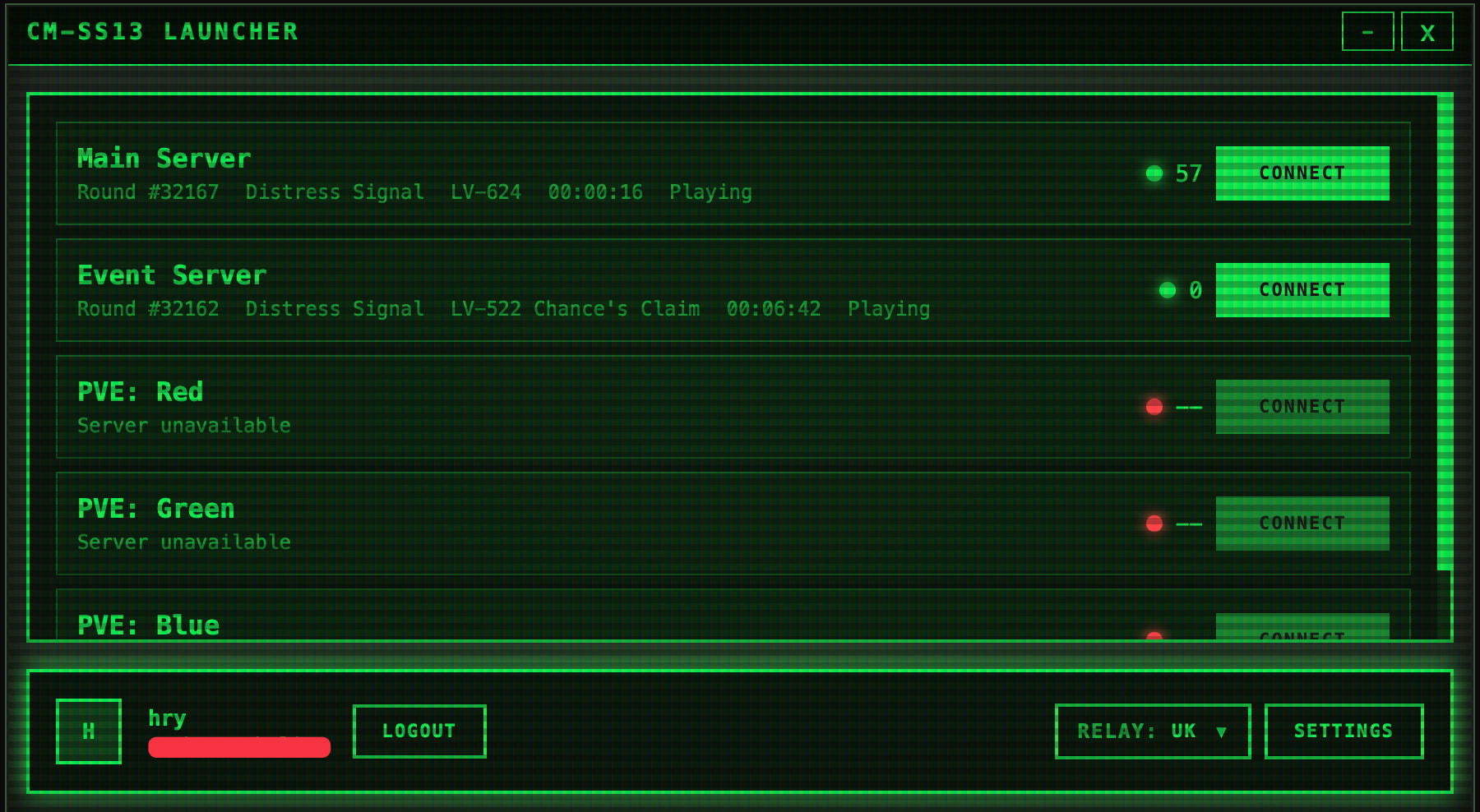
You will then be signed in directly as your CM-SS13 account, allowing access to your normal account in game.